
Primary Logo
Primary Logo Overview
The Harbor Freight logo is constructed from a modified version of the Roboto typeface. The typeface has been made heavier, and adjustments have been made to each character to allow the Harbor Freight logo to be a more unique, ownable mark.
By keeping the logo loosely based on the Roboto typeface, we can naturally make use of the Roboto type family throughout the HF design system without a disconnect between logo and type.
The reversed logo with white type can also be utilized on HF Red color backgrounds.

Minimum Area of Isolation
It is important to allow the Harbor Freight logo to “breathe”. The fixed minimum area of isolation prevents any interference with the brand’s logo.
The clearance around the Harbor Freight logo is precisely twice the width of the “H” as shown in the diagram.

Logo Colors
It is critical to keep the Harbor Freight brand colors consistent across all media channels in order to drive brand recognition.
Please be sure to only use the approved Pantone, CMYK, RGB, and Hex color properties displayed here.
Pantone 186 C
C13 M99 Y100 K3
R205 G34 B21
#CD2215
Pantone 2945 C
C100 M45 Y0 K14
R0 G89 B168
#0059A8
Apparel Logo Styles
Screen Printing
When screen printing the Harbor Freight logo onto apparel, the following logo color combination restrictions must be followed.

Embroidery
When embroidering the Harbor Freight logo onto apparel, the following logo color combination restrictions must be followed.


Secondary Logos/Video Bug
The version of the Harbor Freight logo without the blue qualifier bar is preferred when a small scale is necessary, or when the logo needs to be reversed out of a solid HF Red or image.


Logo Usage Overview
From a small app icon to a large store sign, the Harbor Freight identity system is able to consistently communicate with our customers over a wide range of media.
Email Header

Video Bug

Storefront Signage

Logo Usage Guidelines
The Harbor Freight logo can be used in numerous configurations.
Below, we have supplied correct and incorrect uses of the logo to aid decision making during the creative process.
Solid Color Backgrounds
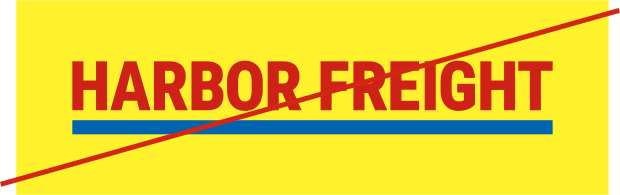
Don’t place the Harbor Freight logo over secondary or off-brand colors.
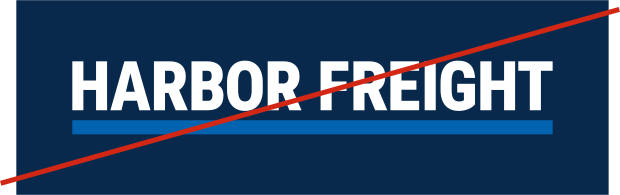
Don’t place the white version of the Harbor Freight logo with the blue qualifier bar over secondary or off-brand colors.
Photography


Don’t place the Harbor Freight logo over complex photography.


Don’t place the Harbor Freight logo over complex photography, even in cases where the photography is dark.
Improper Usage
To ensure a consistent expression of the Harbor Freight brand, the logo must never be altered, distorted, nor skewed.
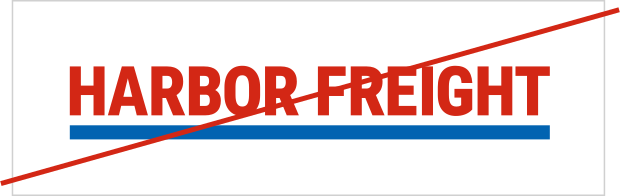
Don’t add a drop shadow to the logo.
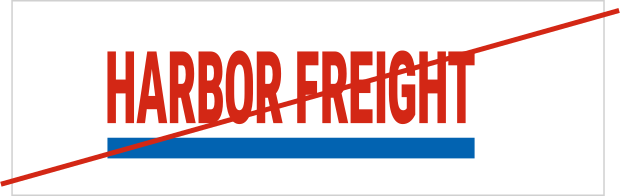
Don’t warp or scale the logo disproportionately.
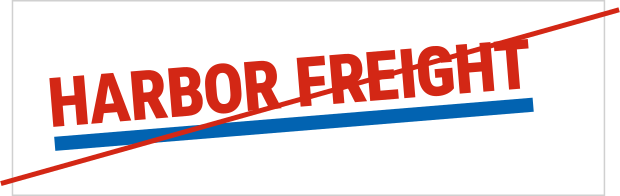
Don’t rotate the logo.
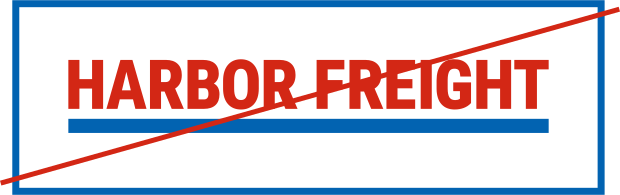
Don’t add a frame to the logo.
Icon Guidelines
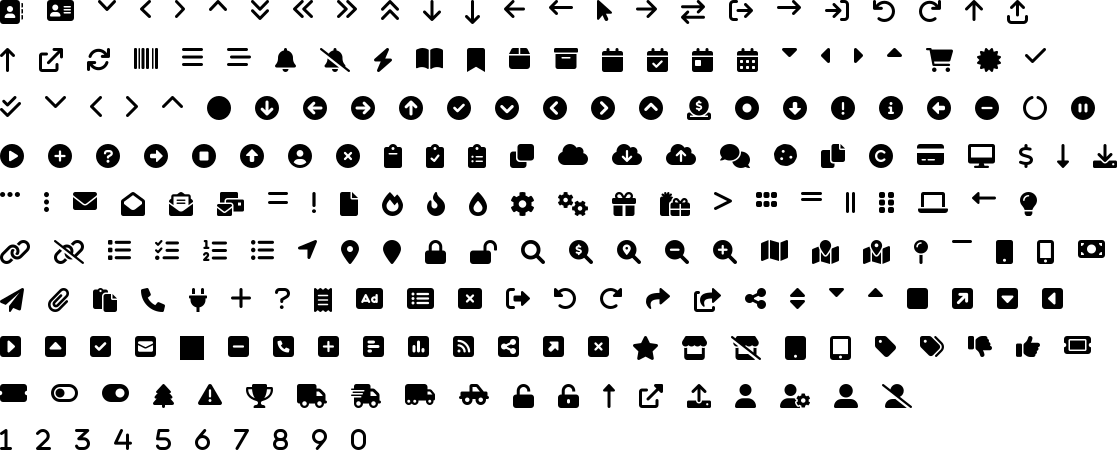
We utilize the Font Awesome library to generate consistent, scalable icons across the Harbor Freight ecosystem.
Primary Icons
Brand Icons
